v1.0 — open source, free forever

Talk. It reacts.
That's it.

A lightweight, open-source PNGTuber app built for creators who just want to stream — no webcam, no rigging, no complicated setup.

<100MB RAM
<2s startup
Zero telemetry
🖼
Add hero screenshot
App window, character on transparent background, or a stream capture
How it looks

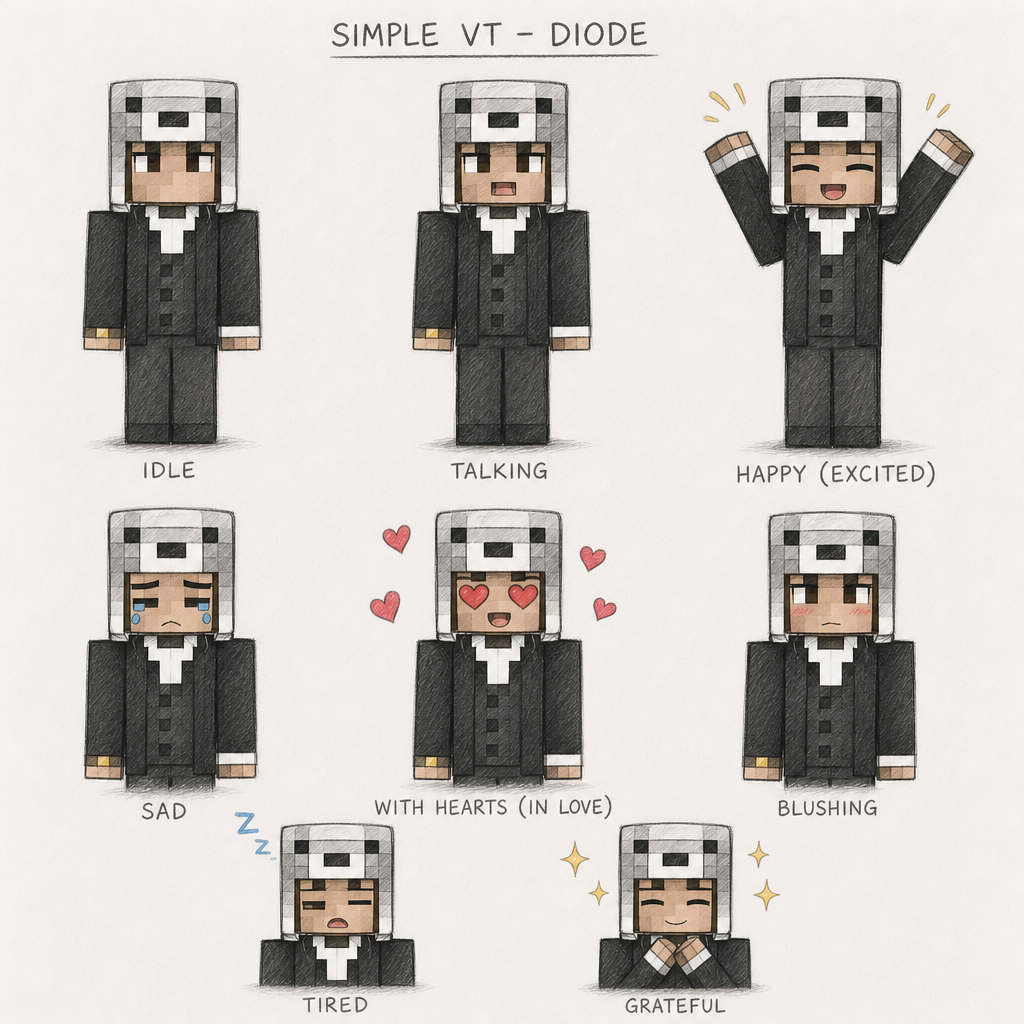
One character, every state

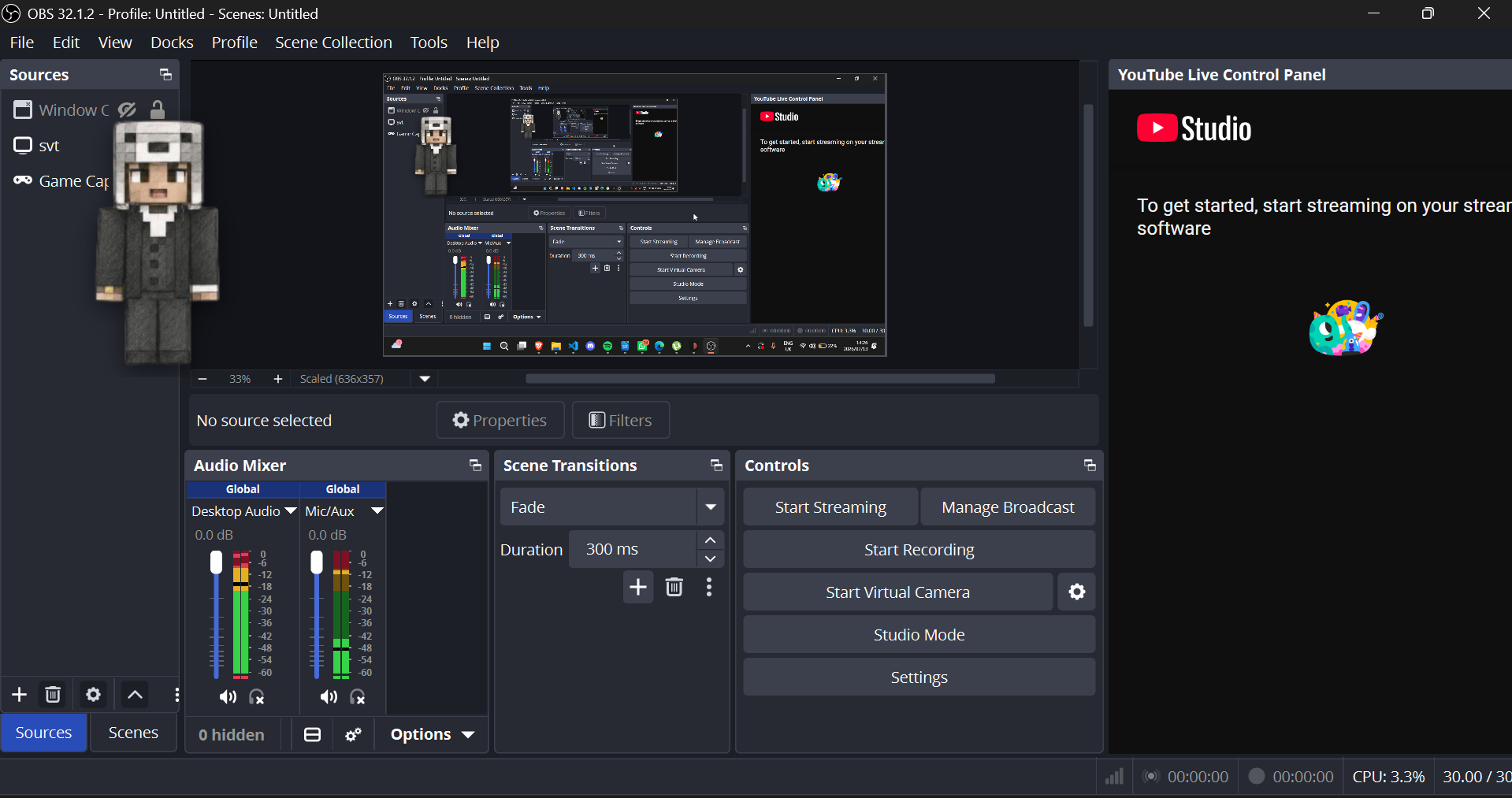
Idle Talking Wave emote OBS capture TikTok Live
See it in action

Demo

A short clip of idle → talking → wave → OBS capture → TikTok Live, end to end.

Add demo video or GIF
Recommended 1600×900, under 15MB for fast loading
Why SimpleVTube

Built to get out of your way

Every decision favors one thing: getting you from download to stream as fast as possible.

Lightweight

No unnecessary features. If it doesn't help you stream faster, it isn't in the app.

Open Source

Source available on GitHub. Read the code, fork it, ship your own build — nothing is hidden.

OBS Ready

A transparent character window that drops straight into any capture source.

Easy Setup

Import two images. Select your microphone. Done — genuinely three steps.

Privacy First

No accounts. No cloud. No telemetry. Your mic never leaves your machine.

Cross Platform soon

Windows today. macOS and Linux builds are in active development.

Under the hood

Everything the app actually does

Grouped by what each piece is responsible for — not a wall of checkmarks.

Roadmap

Where it's going

Shipped in order, no skipped steps — each version builds on the last.

v1.0 — shipped

The foundation

  • Voice detection with auto-calibrate
  • Multi-frame idle / talking cycling
  • Transparent overlay
  • Character profiles
  • Emote hotkeys (Alt+1-9)
  • Global resize / move hotkeys
v1.1 — in progress

Feels more alive

  • Automatic blink timing
  • Better audio smoothing
  • Animated GIF support
v1.2 — planned

More control

  • Expression presets
  • Stream Deck plugin
  • macOS / Linux builds
future

Where the community takes it

  • Plugin system
  • Live2D support
  • Native OBS panel integration
A look inside

Screenshots

🖼
Add screenshot
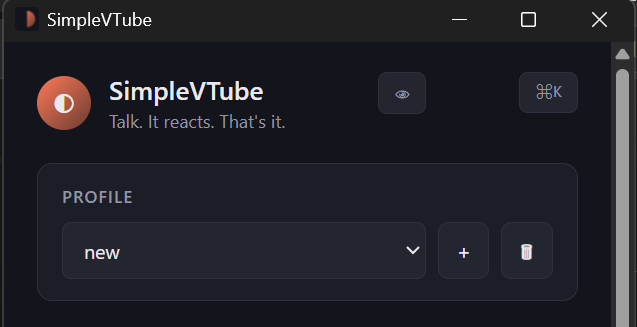
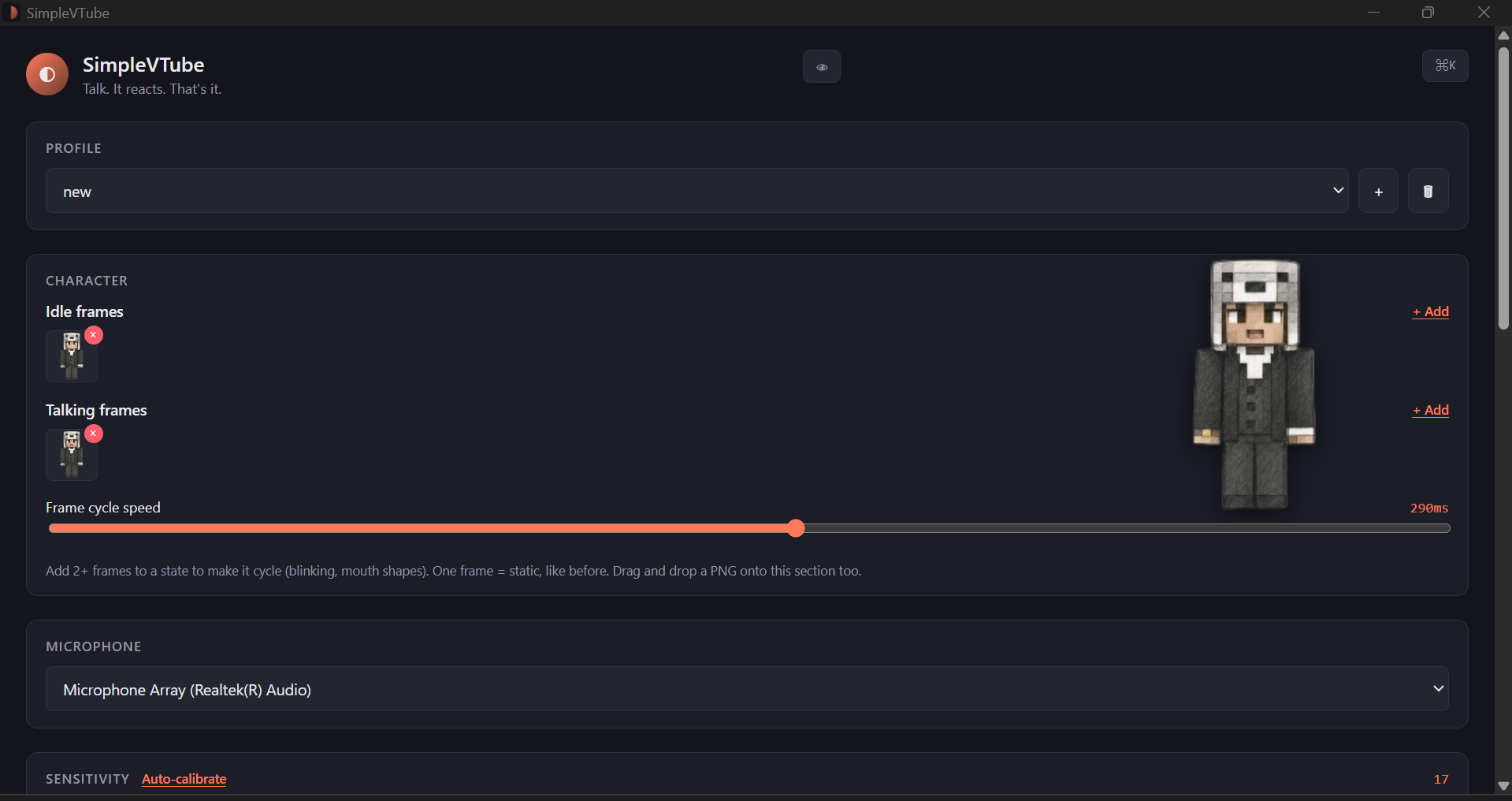
Control Window1920×1080
🖼
Add screenshot
Character Windowtransparent
🖼
Add screenshot
OBS Capturescene view
🖼
Add screenshot
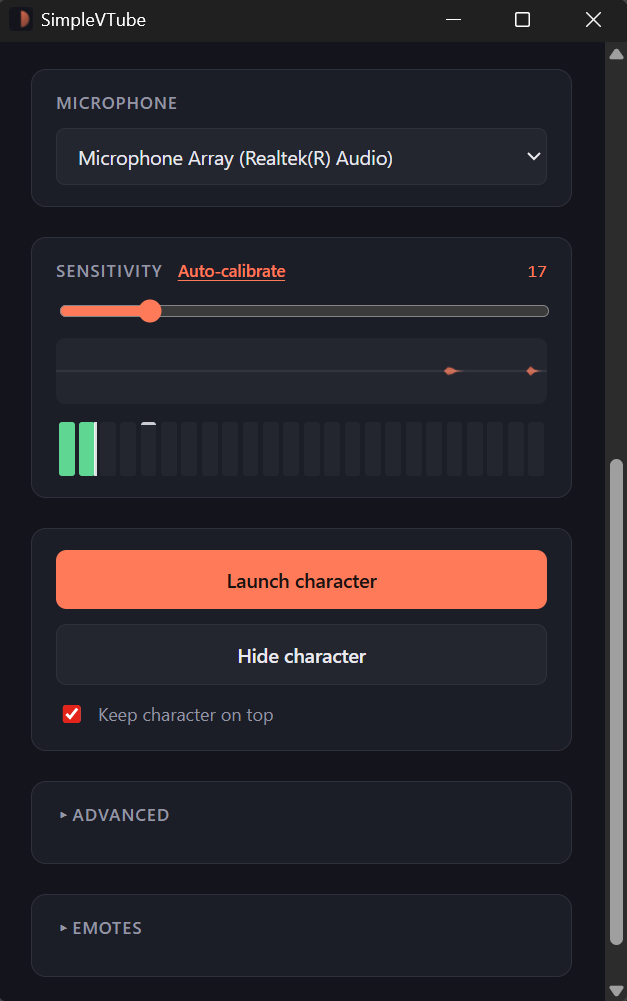
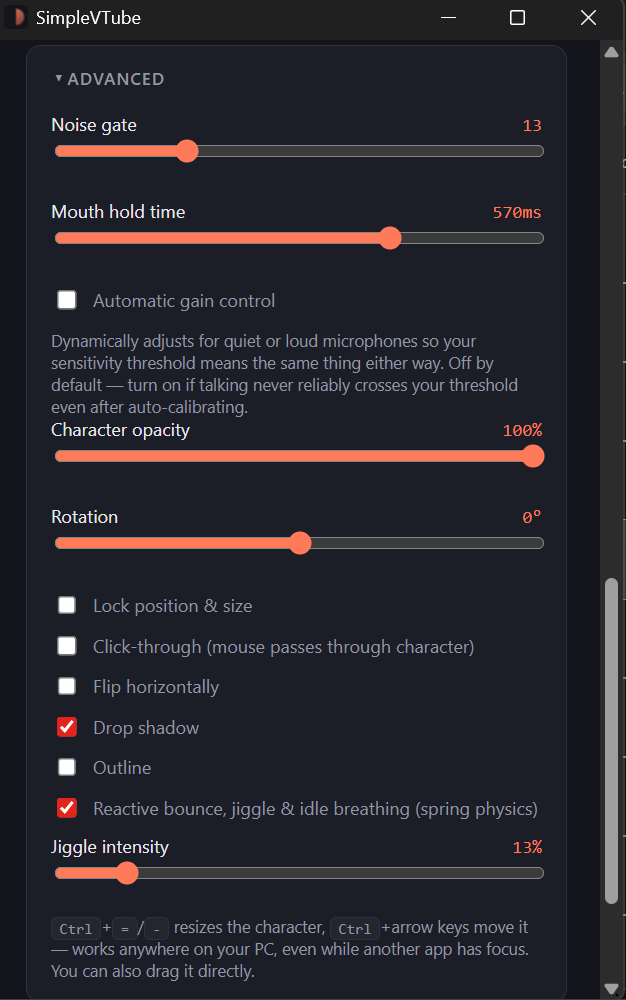
Settingssensitivity + mic
Showcase

Streams made with SimpleVTube

Add video
Caption / creatorlink
Coming soon
Coming soon
Coming soon
Coming soon
Installation

Three steps. Genuinely.

01

Download

Grab the installer or portable ZIP for your OS.

02

Open

Import your idle and talking frames, pick a mic.

03

Stream

Capture the character window in OBS. Go live.

Supported platforms

Where it runs

Windows

available

10 and 11, fully supported. Installer and portable build.

macOS

coming soon

Universal binary in progress — Intel and Apple Silicon.

Linux

coming soon

AppImage planned first, with a Flatpak to follow.

Get the app

Download

Latest version
v1.0.3 · released July 2, 2026
Fixes an idle-detection stutter on multi-monitor setups and improves microphone hot-swap handling. Full release notes →
Windows
macOS
Linux
SimpleVTube-1.0.3-Setup.exe Installer · 48 MBDownload
SimpleVTube-1.0.3-win-portable.zip Portable · 52 MBDownload
SHA256 8f2a1c…e40b91 (SimpleVTube-1.0.3-Setup.exe) — verify against the checksums file on the GitHub release page.
Open source

Built in the open

The code is public and issues are welcome — no fake numbers here, just the links.

Performance

Doesn't fight your stream for resources

<2s
Startup time
<100MB
RAM usage
<2%
CPU usage
~100ms
Voice-to-mouth latency
How it compares

SimpleVTube vs. the others

FeatureSimpleVTubePNGTuber+VTube Studio
Free
Open source
No rigging required
OBS ready
Lightweight
Live2D support
Easy setup
FAQ

Questions people actually ask